
5 Best WordPress Alternatives for Blogging
There are myriads of bloggers who are fans of WordPress, because the platform provides tons of hands-on extensions, add-ons and plugins for boosting website performance. However, to get your blog off the ground quickly with WordPress, you need some prior knowledge of web development and marketing, because working with the platform may get complicated once you go beyond the basics. So, we are going to tell you about the best WordPress alternatives for blogging and discuss their advantages and disadvantages.Review of Ghost
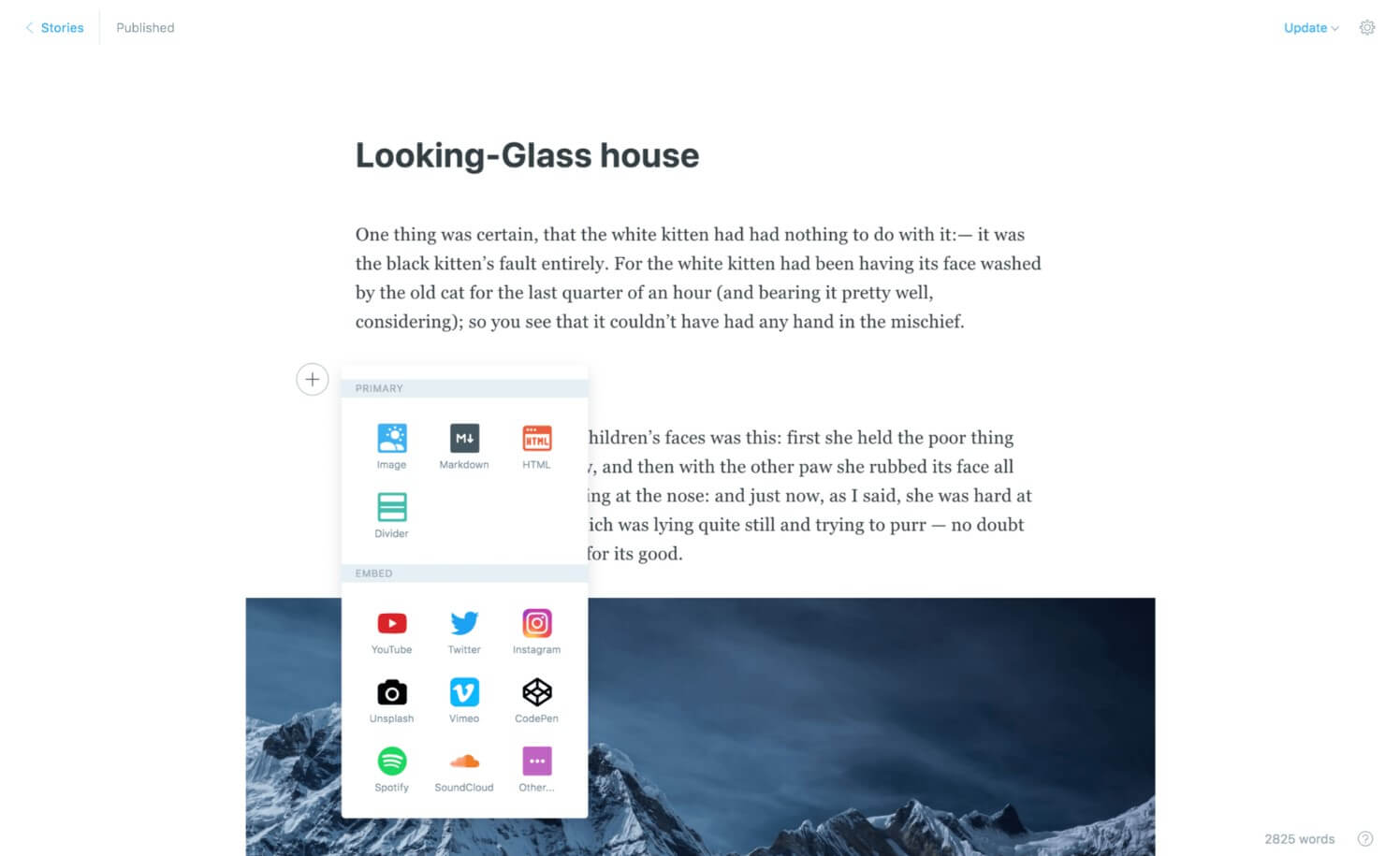
Pros & Cons
| Pros | Cons |
| Simplicity | Not designed for building business or e-commerce websites |
| Extremely user-friendly | A limited number of themes |
| Built-in SEO and social sharing | No free hosting service |
| Free SSL | Expensive for beginners |
Pricing
There are several hosting plans available both for novice bloggers and for serious publishers with prices ranging from $29 to $199 per month.Review of Medium
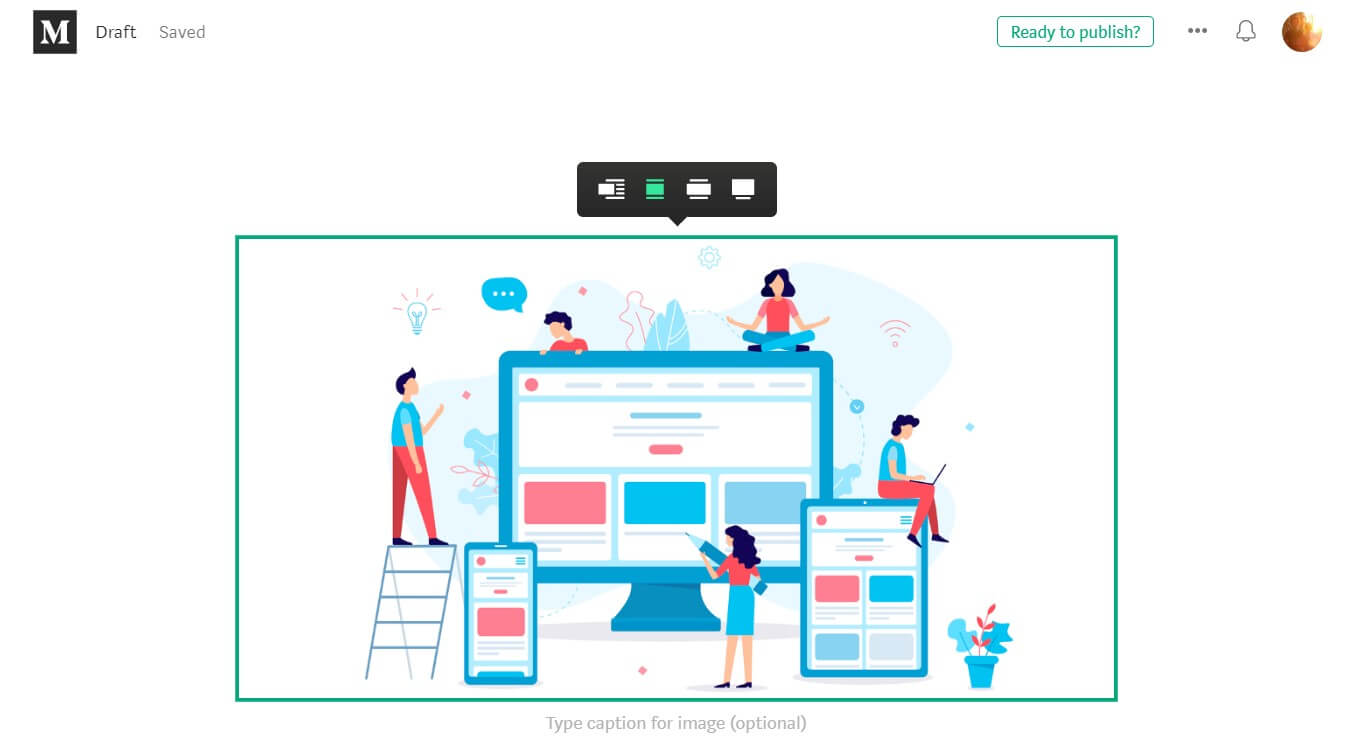
Pros & Cons
| Pros | Cons |
| Hassle-free writing experience | No control or ownership of your content |
| A built-in audience and traffic | No optimization possibilities |
| Limited design possibilities | Limited monetization options |
| Free support for all users | Content restrictions |
| A writing portfolio | |
| Free | |
| A friendly community |
Pricing
Medium is free for writers.Review of Blogger.com
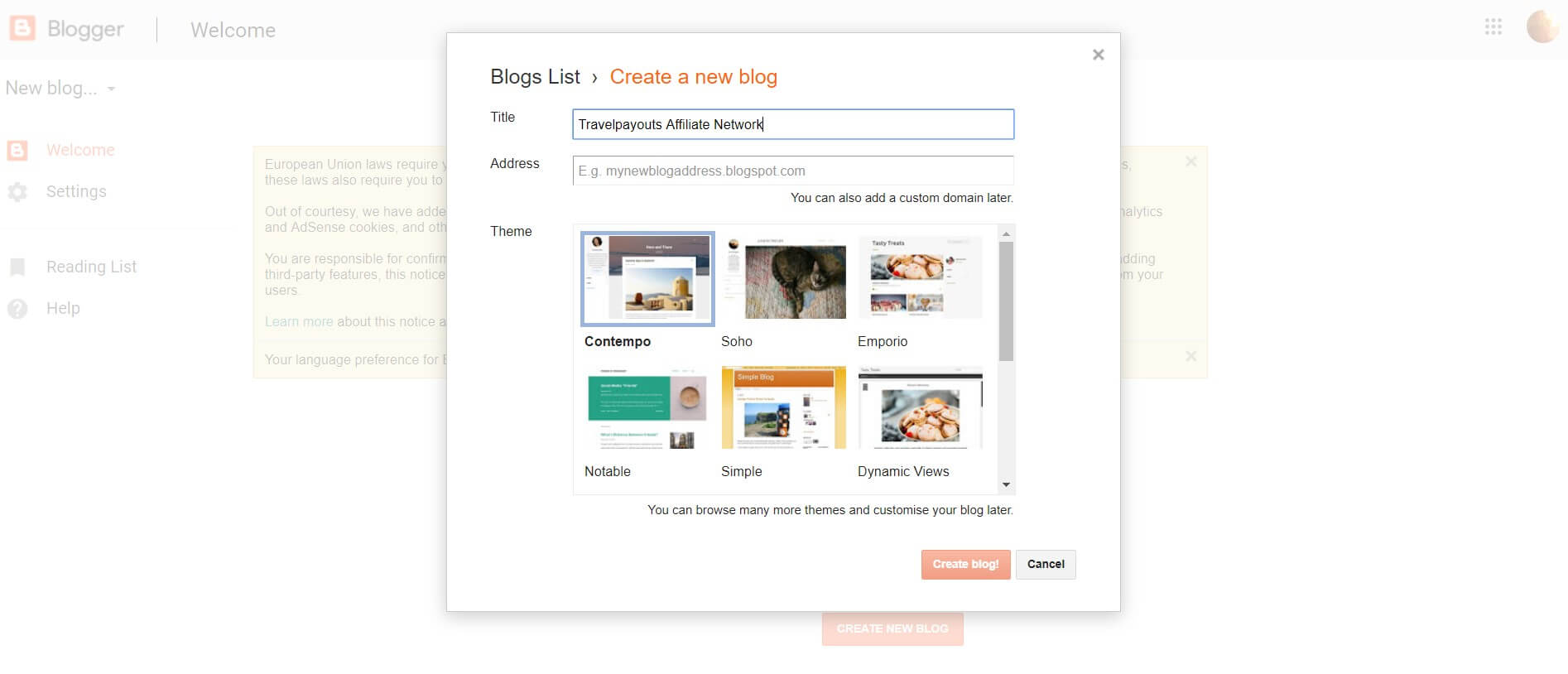
Pros & Cons
| Pros | Cons |
| A free SSL certificate | No customer support |
| Ease of use | The threat of being suspended by Google |
| Integration with Google and its tools | Rare updates |
| Monetization options | Limited blogging tools |
| Security | |
| Reliability |
Pricing
Blogger.com is completely free to users.Review of Tumblr

Pros & Cons
| Pros | Cons |
| Free | Limited customization |
| Simple to set up and use | You don’t own your blog |
| The built-in social media component | The set of features is too limited for full-fledged blogging |
| Can be connected to Google Analytics to monitor performance | Limited functionality |
| Visually appealing as images prevail | |
| Mobile-friendly | |
| Post scheduling is available |
Pricing
Though Tumblr is a free platform, there are premium versions offered which range from $9 to $49.Review of Jekyll

- It serves and performs faster.
- A small amount of web resources like memory and database I/O is consumed.
Pros & Cons
| Pros | Cons |
| Speed | Uploading content is more difficult |
| Less susceptible to crashing because the site uses few server resources | Impossible to add contact forms or comments |
| Security | Some technical knowledge required |
| Free Github hosting | Not user-friendly |
Pricing
Jekyll is free for commercial and private use.5 Free WordPress Alternatives
The amount of money spent on launching a new project is one of the most taxing issues the majority of newbies in the internet business have. And, even though WordPress offers a viable solution, there are other reliable free WordPress alternatives to start your online business with.Review of Wix

Pros & Cons
| Pros | Cons |
| Ease of use | The free plans include ads which may be distracting |
| No coding knowledge or experience required | Limited customization possibilities |
| Numerous top-quality templates and designs | SEO strategies and techniques offered are sometimes outdated |
| Easy customization process | Limited functionality and features in the free version |
| Mobile-optimized | |
| 24/7 customer support | |
| Free tools for boosting your site’s performance |
Review of Joomla
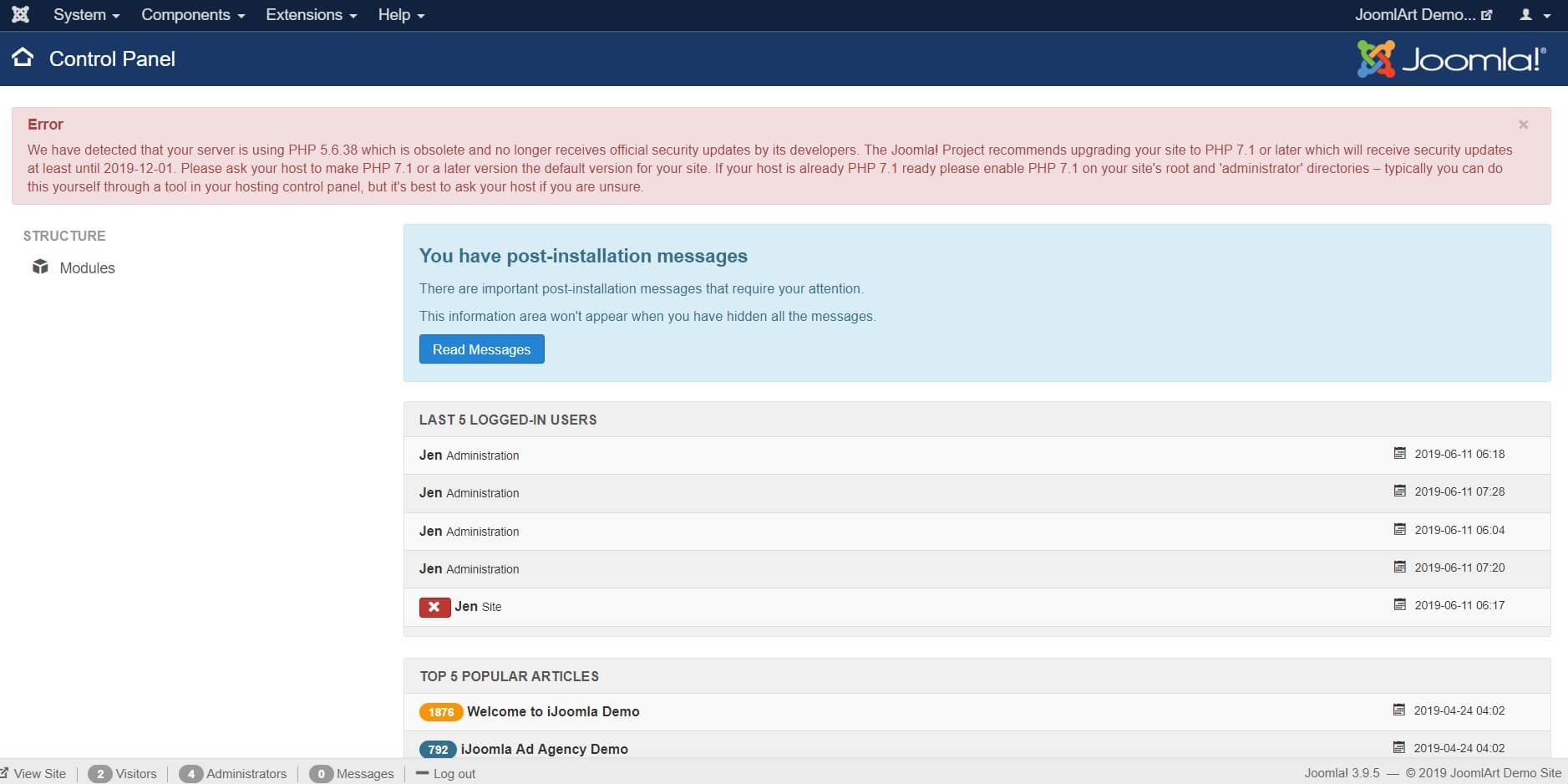
Pros & Cons
| Pros | Cons |
| Simple installation and setting-up | Some coding knowledge and experience needed |
| Hassle-free editing with a what–you-see–is –what–you–get editor, which enable users to manipulate the layout of the document directly | Compatibility issues when several modules, extensions or plugins are installed simultaneously |
| Flexible templates | Websites are heavy to load and run |
| Great menu management tools | |
| Out-of-the-box SEO | |
| Over 70 languages offered | |
| Active community |
Review of Silex
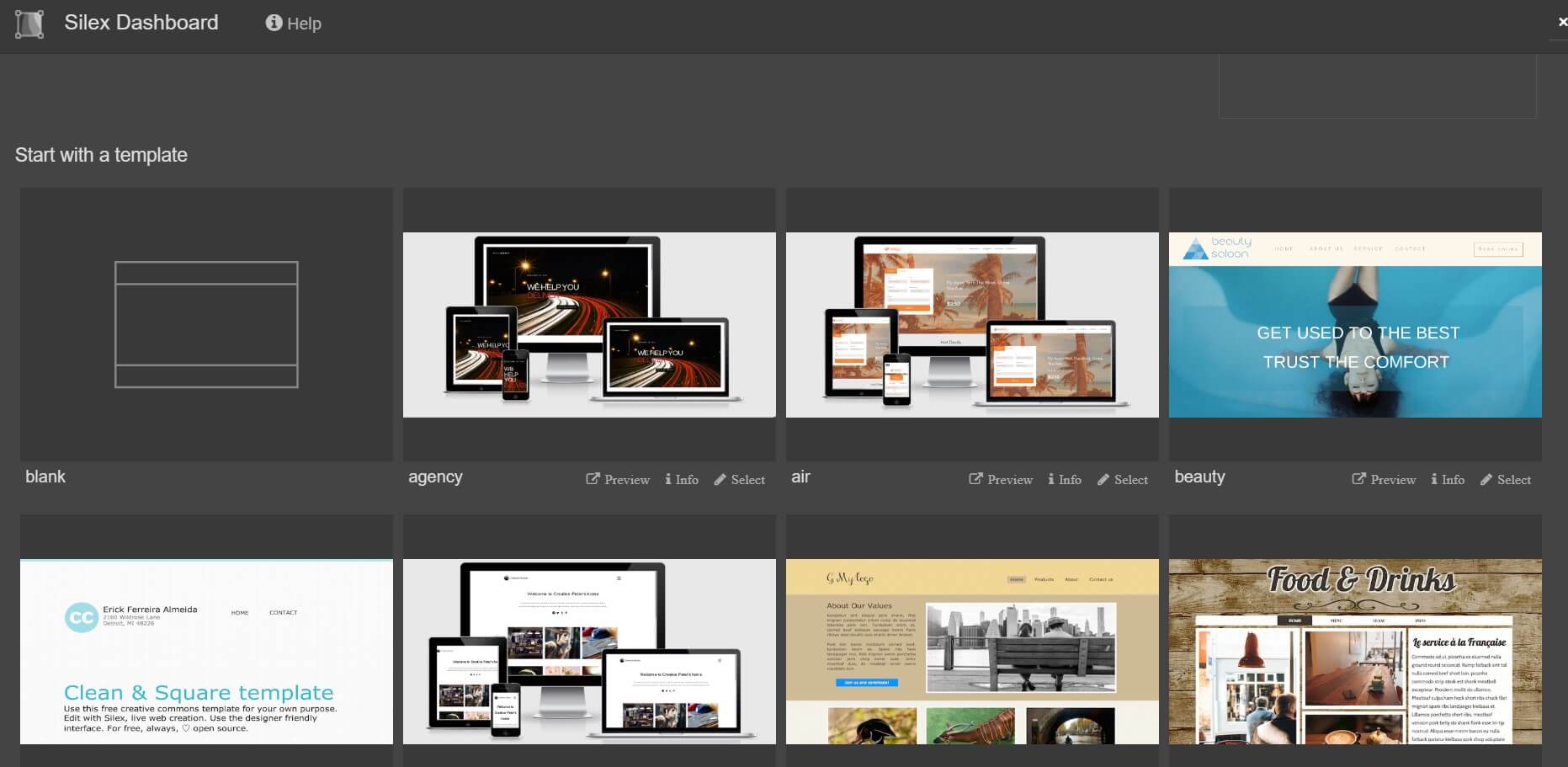
Pros & Cons
| Pros | Cons |
| Free | No hosting provided |
| You own your data | Not suitable for big businesses |
| No specific knowledge or skills are required | Not user-friendly interface |
| Search engine friendly | |
| Suitable for prototyping | |
| Free templates and plug-ins | |
| Built-in SEO features |
Review of Textpattern
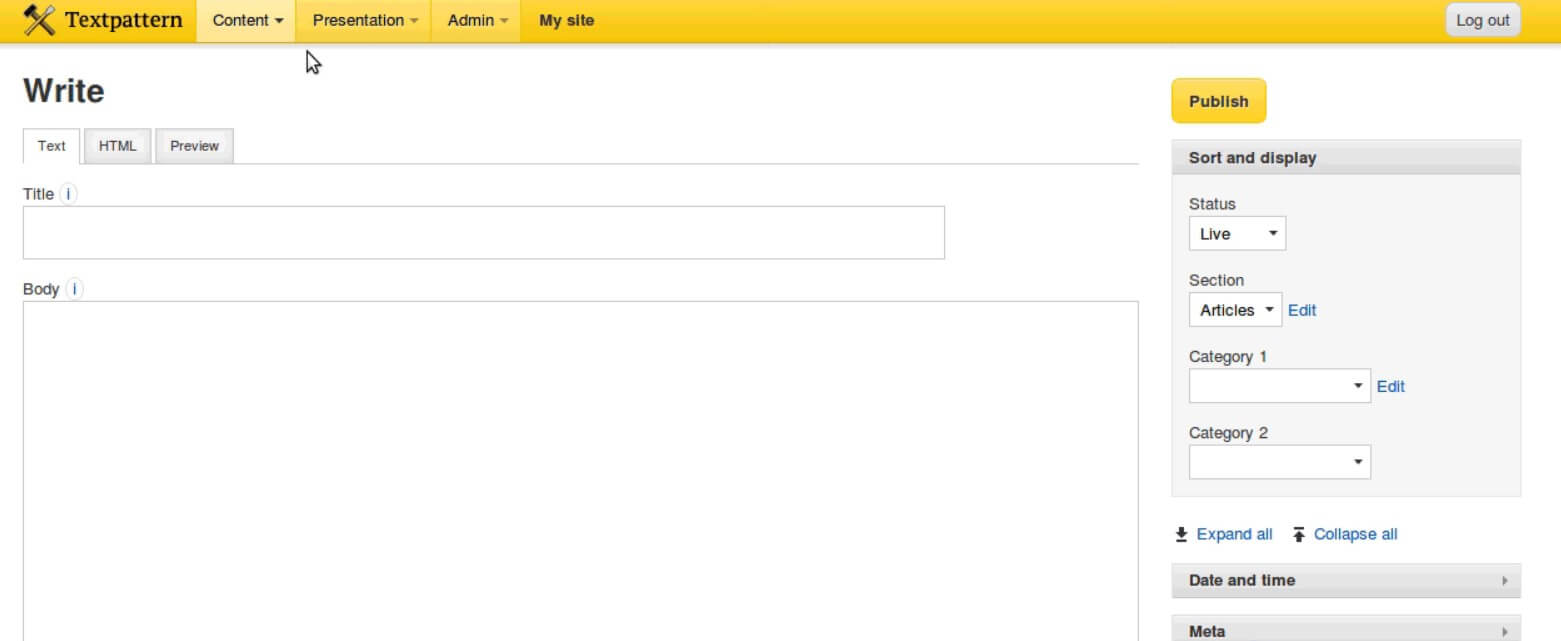
Pros & Cons
| Pros | Cons |
| Easy-to-use interface | No community |
| An online manual providing solid instruction | Limited choice of themes and extensions |
| A commenting system which includes some spam combating tools | |
| Built-in site statistics | |
| Free | |
| Over 40 languages supported | |
| Easy maintenance and updates |
Review of Processwire
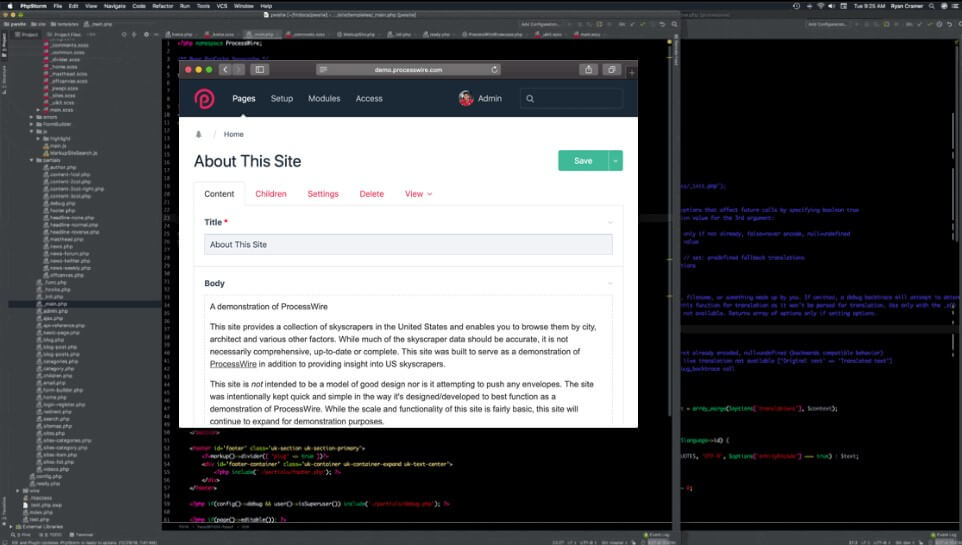
Pros & Cons
| Pros | Cons |
| You can build or design anything you want | Complexity |
| Custom fields | No pre-built auto-generated publication date field for each page |
| No PHP or SQL knowledge or experience needed | Poor documentation |
| Built-in security features | |
| Active and helpful community | |
| Easy page management | |
| Free |
5 Best WordPress Alternatives for E-commerce
Though WooCommerce (an e-commerce platform built on the WordPress CMS) is second to none, thanks to its functionality and flexibility, there are some WordPress e-commerce alternatives which may offer unique solutions to some problems such as making a multi-vendor store or selling subscriptions. Below, we’ll list the best WordPress alternatives for e-commerce.Review of Shopify

Pros & Cons
| Pros | Cons |
| Easy to use | Limited functionality |
| Beautiful storefront themes | Limited template number |
| Variety of apps available | The pricing of apps |
| Dedicated customer support | Extra fee (0.5%-2%) charged on each transaction |
| Promotional and marketing tools to boost your site’s performance | |
| A wide range of payment methods |
Pricing
There are several Shopify pricing plans ranging from Shopify Lite ($9 per month) to Advanced Shopify ($299 per month). A free 14-day trial period is offered to new users.Review of Bigcommerce
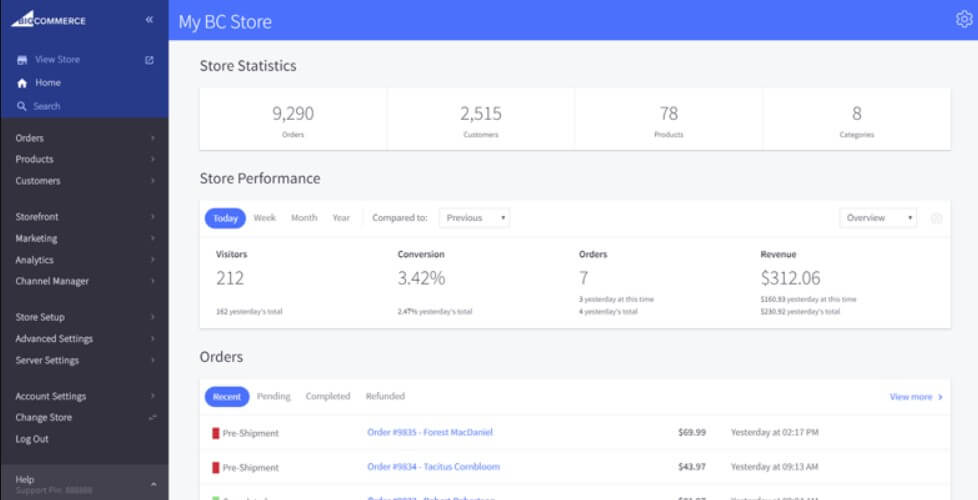
Pros & Cons
| Pros | Cons |
| No transaction fees | Pricey additional templates |
| Comprehensive software | The necessity to upgrade to a more expensive plan in case the annual sales threshold of your plan is surpassed |
| Unlimited staff accounts | |
| Multi-channel selling | |
| Mobile-friendly | |
| Powerful built-in SEO and marketing tools and features | |
| About 100 free templates |
Pricing
There are four pricing plans that BigCommerce offers. They range from the Standard Plan ($29.95 per month) to the Enterprise Plan (custom pricing).Review of Site123
Pros & Cons
| Pros | Cons |
| Easy to use | No code can be added to your website |
| Multilingual (Up to five languages can be added) | Advertising on the free plan |
| Mobile-friendly | Not able to handle complex e-commerce needs |
| A library of free stock images | |
| Creating multiple websites under one account | |
| Full web support | |
| Integration supported |
Pricing
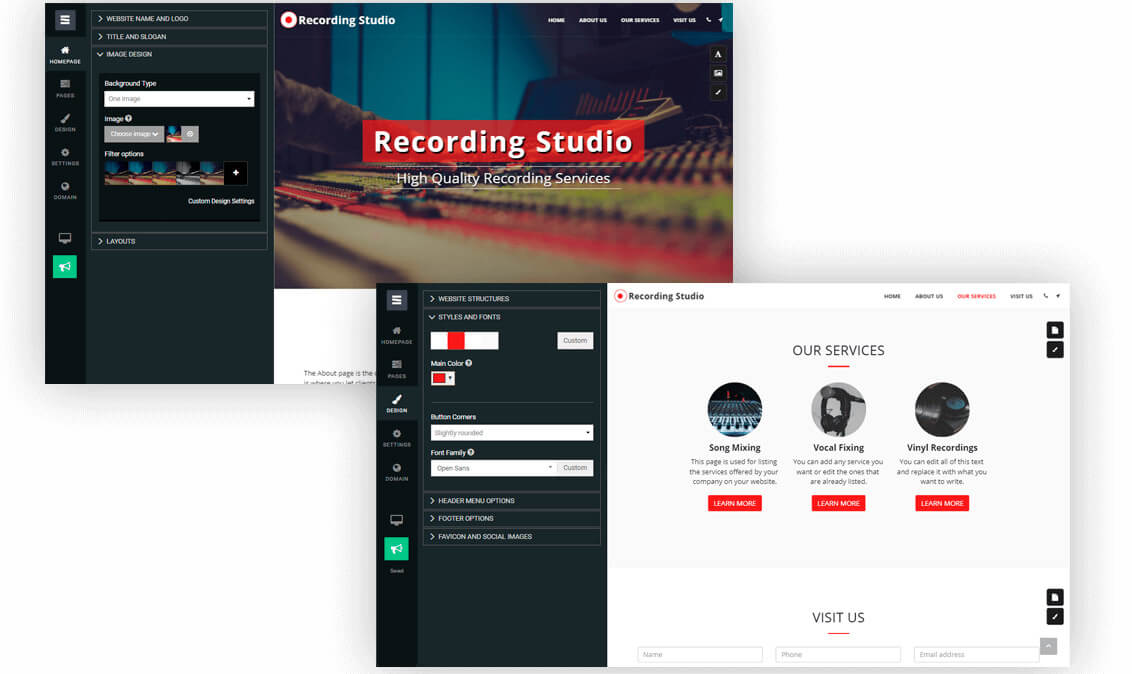
Site123 offers four packages ranging from $10.80 per month to $28.80 per month. The platform is created to accommodate the needs of different kinds of users. It also provides a free plan with limited options which suits those who want to try the editor out and explore the options offered by the platform.Review of Volusion

Pros & Cons
| Pros | Cons |
| User-friendly | No built-in blog feature |
| A variety of payments methods | Expensive additional themes |
| Powerful analytical tools | Limited payment gateway integrations |
| Mobile app | |
| Lots of templates | |
| Dedicated customer support | |
| Wide integration with over 80 third-party apps and services | |
| No transaction fee |
Pricing
Volusion offers several plans for building and boosting your online business. They include Personal, Professional, Business and Prime, and range from $29 to $299 monthly.Review of 1&1 Ionos

Pros & Cons
| Pros | Cons |
| Free SSL Certificate | No free-trial period |
| SEO tutorials | Duplicate content can damage ranking |
| Flexible payments and shipping options | |
| Multilingual | |
| Multicurrency | |
| Customer support | |
| Backup and restore options | |
| Secure transactions and payments |
Pricing
1&1 IONOS provides extremely cheap introductory offers. There are three packages offered and the prices range from $20 per month for the Essential package to $50 per month for the Pro package.5 Best WordPress Alternatives for Site Building
Though there are myriads of reasons for using WordPress as your website builder, the platform doesn’t always manage to accommodate all your needs and meet all your expectations when building a site. There are some high-quality alternatives to WordPress which may become an ideal solution to all your pain points when creating a site.Review of Drupal
| Pros | Cons |
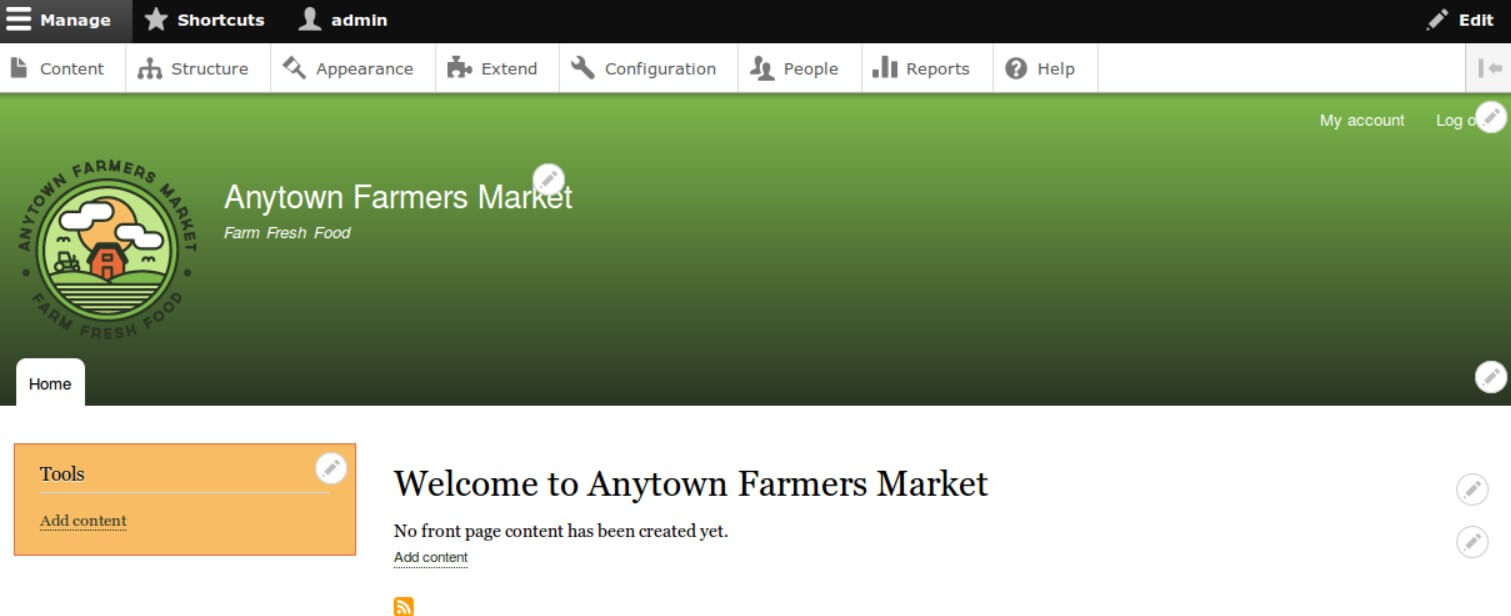
| Developer-friendly | Requires basic coding skills and experience |
| Flexible enough for creating and managing various content types such as video, polls, user management, real-time statistics, etc | Steep learning curve |
| Great building tools and templates | Poor module compatibility |
| Over 7,000 plug-ins for building a website | Can be slow if not tweaked properly |
| Multilingual | |
| A built-in access control system | |
| Suitable for building complex advanced sites | |
| Perfect for community platform sites with multiple users |
Pricing
Free.Review of Weebly
[youtube v=”eMSwMXkjNFQ”] Weebly is a free drag-and-drop website builder that powers more than 40 million websites. Though Weebly allows you to create a website without any coding skills or experience, and is perfect for novices in the niche, it also offers ample customization opportunities for more tech-savvy users. Consumers are provided with a variety of features they may need, such as built-in blogs, contact forms, forums, file uploads, etc. However, even if Weebly lacks a feature you need, the problem can be solved by a third-party app or by copying and pasting a code snippet, for instance, for running an auction.Pros & Cons
| Pros | Cons |
| Ease of use | Not multilingual |
| No coding skills are necessary for building a website | Limited design flexibility |
| Over 40 high-quality templates available | |
| Customization is possible | |
| Good support | |
| Wide selection of apps | |
| Other editors can be assigned |
Pricing
Weebly offers a free basic plan which has two main disadvantages. The first one is that you can’t add a custom domain name, the second is that there is a Weebly footer ad which makes your site unsuitable for professional purposes. There are also four paid plans (Connect, Pro, Business, Business Plus) which range from $8 to $38 a month and are billed annually.Review of Squarespace

Pros & Cons
| Pros | Cons |
| SSL certificate included | Not suitable for large sites |
| Built-in security | No separate app marketplace |
| Expert customer support | Poor built-in SEO tools |
| Sophisticated template designs | Expensive |
| Limited export options |
Pricing
There are four packages for websites and online stores which range from $12 per month to $40 per month if billed annually. A free-trial period is offered.Review of Jimdo
Pros & Cons
| Pros | Cons |
| Simplicity | No restore option |
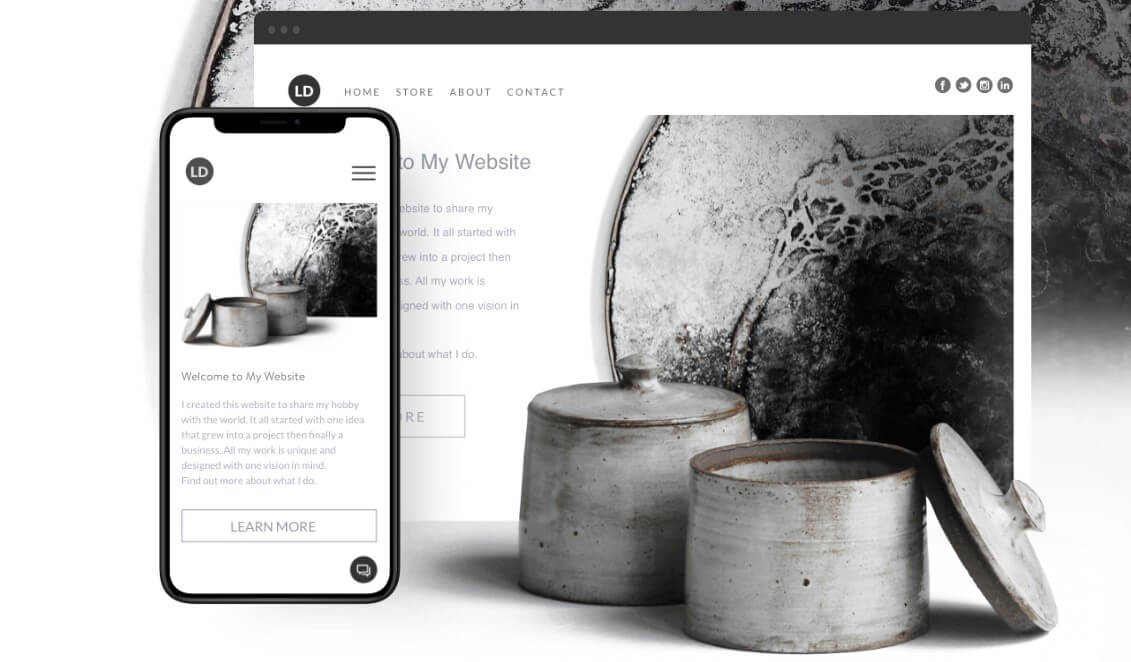
| Two design routes offered | Not multilingual |
| Automatic SEO | Limited design possibilities |
| Mobile-optimized | |
| Dedicated support team | |
| Ad-free |
Pricing
There are several pricing plans. The Play plan is free, limited and suitable only for simple projects, while the others provide more advanced options and range from $7.5 to $20 per month.Review of Grav
Pros & Cons
| Pros | Cons |
| Ease of use | Not suitable for projects with complex database requirements |
| Built-in package manager | No community |
| Open-source and free | |
| Simple backups/restore | |
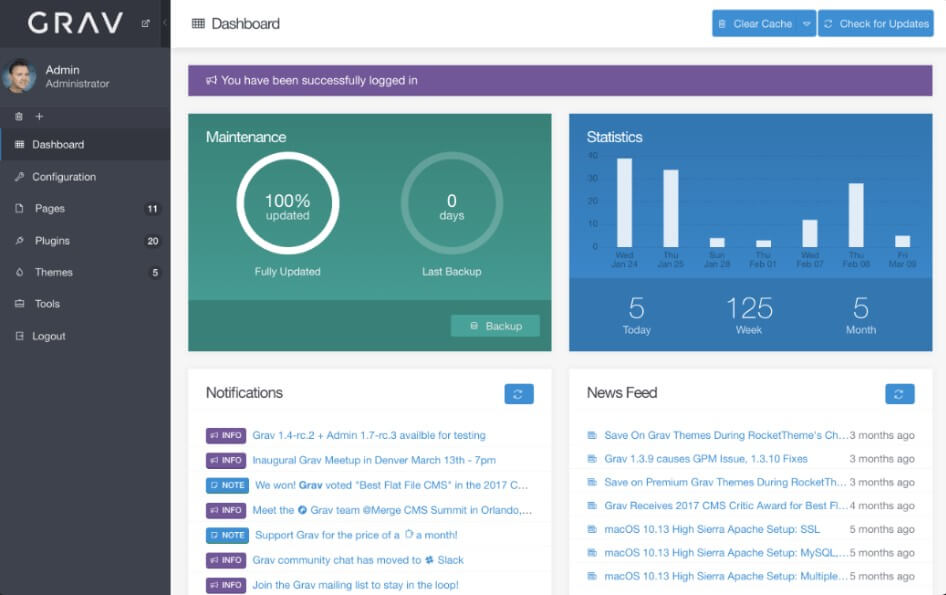
| A visual debug panel | |
| SEO friendly | |
| Multilingual support |
Pricing
Free.The Best WordPress Alternatives
So, what are the best alternatives to WordPress for building a site? There is no clear-cut answer to this question, as every content management platform has its advantages and disadvantages and is tailored for solving some specific tasks. When choosing a CMS platform, you should take into consideration all the pros and cons of each platform we’ve described, and find the one which is suitable for your niche and professional background, and will accommodate all your needs and help you achieve your business goals.
You may also be interested in