
What Is a Grammar Checker
Basically, it is software aimed at finding mistakes regarding grammar, syntax and punctuation. Depending on the program, it might only underline serious errors or, in case of a sophisticated platform, suggest a better word choice. One of the most common examples is Microsoft Word. Every time there was a mistake in your text, the program underlined the word in question. Today, grammar and spell checkers are becoming more and more popular every day. Because people prefer to use online software to save time and effort, rather than downloading it on their PC, online checker tools got the green light. Today, there is a great choice of various programs on the internet.Why Use a Grammar Checker Tool
No wonder communication skills help in every field of human activities. In today’s world where most of the communication happens on the internet, it is important to deliver mistake-free and relevant texts, because your writing is your face in this case. It might take a lot of time to check yourself, and sometimes it is meaningless because you’re tired or simply don’t know a particular rule and thus don’t see a mistake. On the other hand, automatic tools deliver accurate checking and might enhance the vocabulary within your text. Briefly, taking advantage of a grammar checker might save you time and influence the course of events. A grammar checker tool will be useful to basically anyone in need of delivering a high-quality text, and especially to writers, bloggers, businesses, academic communities, students and more.Best Online Grammar Checkers for Free
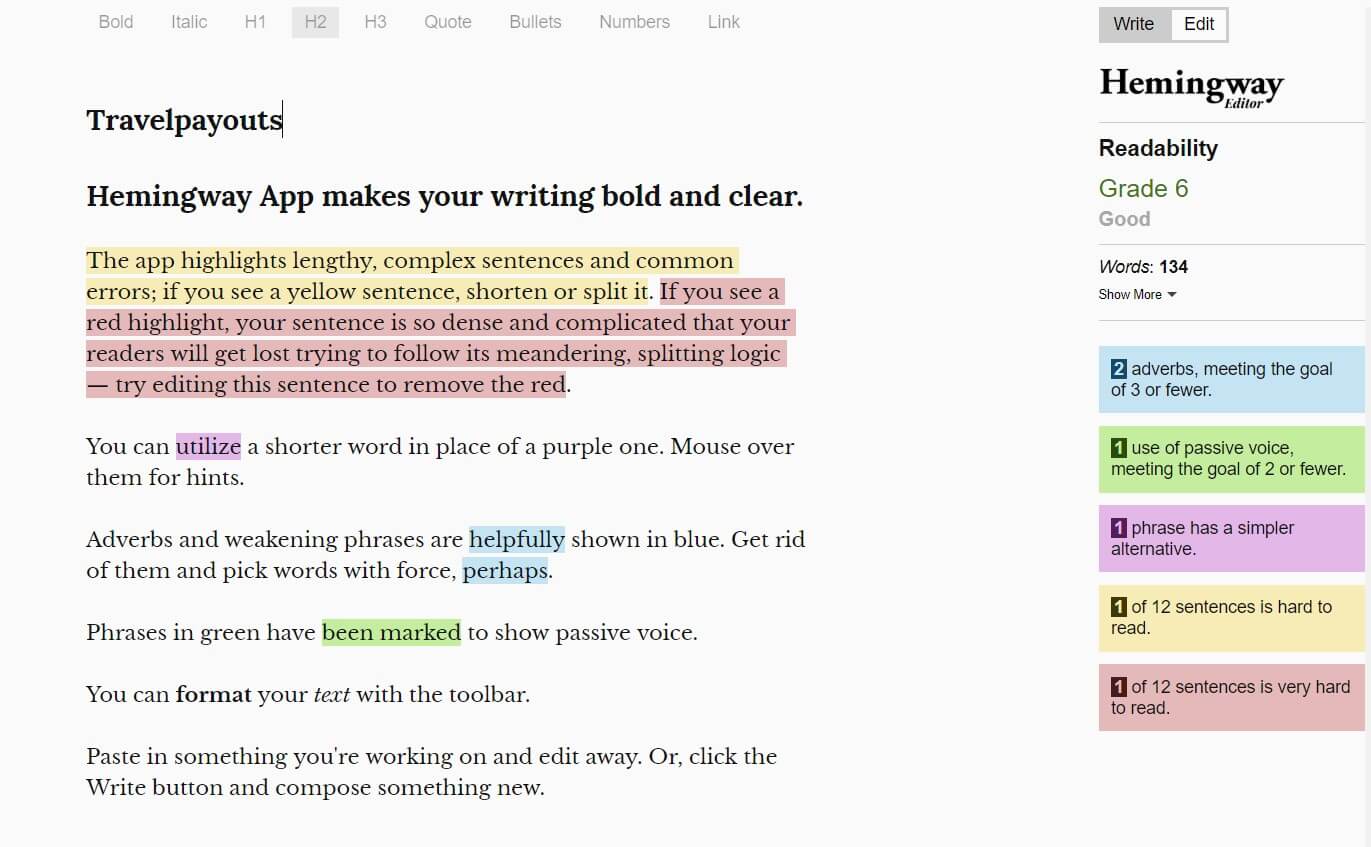
Today, there is a great choice of checker tools for writing and editing purposes which will be helpful in making your texts look credible and professional. Some of the best spell checker tools are free of charge, like Hemingway Editor, for instance. Others are commercial or offer both free and premium subscriptions. To choose the right platform, you’ll need to understand what features you need most of all. Basically, all the tools check grammar, spelling and punctuation. Some of them offer plagiarism check, word count and other statistics, so you can even practice on mistakes and get tips for a better text. Naturally, premium programs offer a wider range of options, but there are a few of them where you can enjoy a high-quality service for free, including free grammar checker plugins.Grammarly
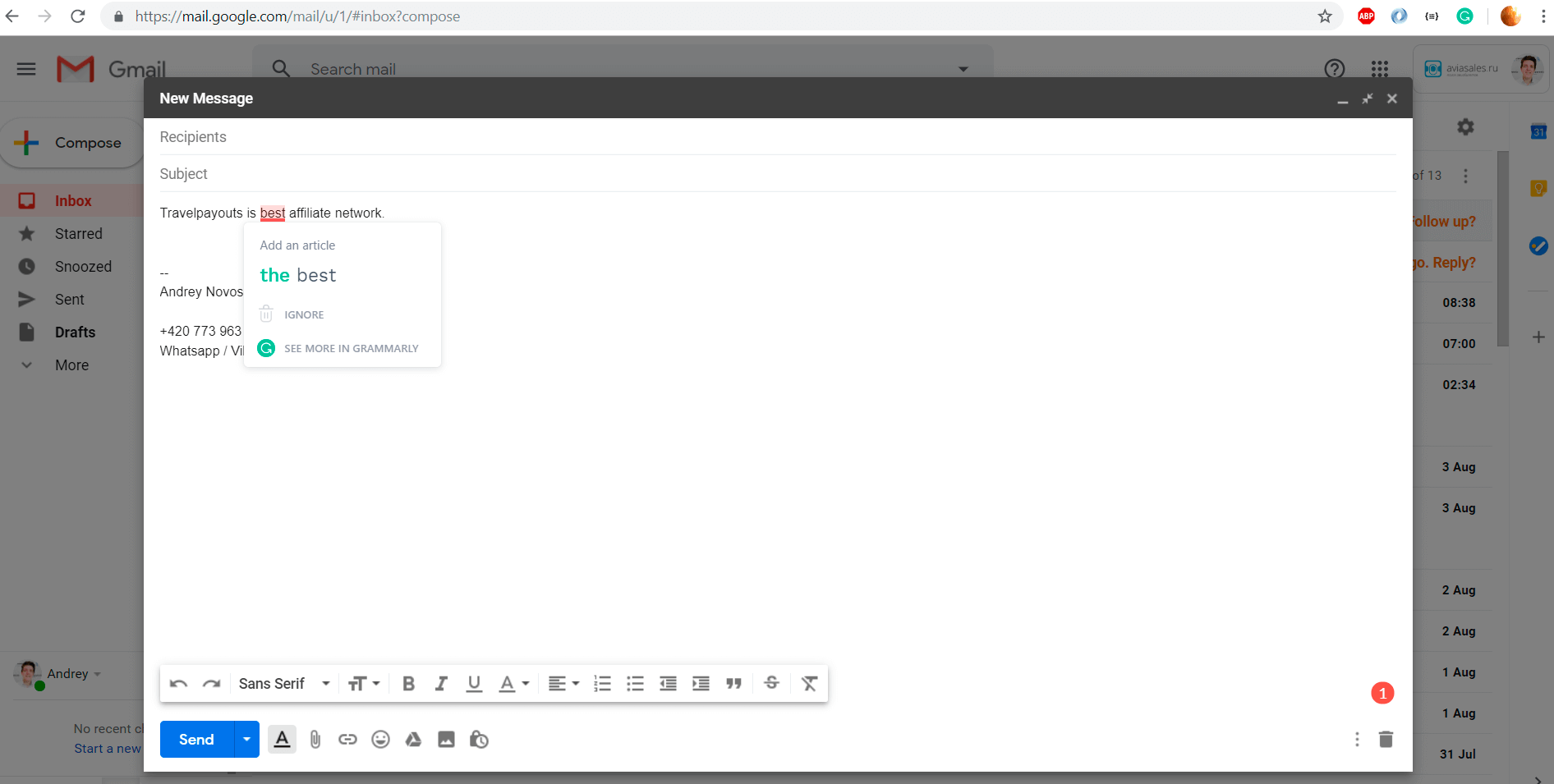
Grammarly is one of the most popular online grammar checkers. It has both free and premium alternatives, and different formats of the product. You can open the Editor in a browser, download the free browser extension or even a Grammarly version for Microsoft Office for offline use. In this part of the article, we’ll cover free Grammarly tools and discuss the commercial alternative later. It is easy to start using the Grammarly Editor: just sign up on the website and get to work. You can type in the text or upload a file. You’ll have your text checked for grammar, punctuation mistakes, misspellings and poor word choices. Moreover, the program doesn’t just correct the mistake but also explains the reason behind changing the word or grammar structure.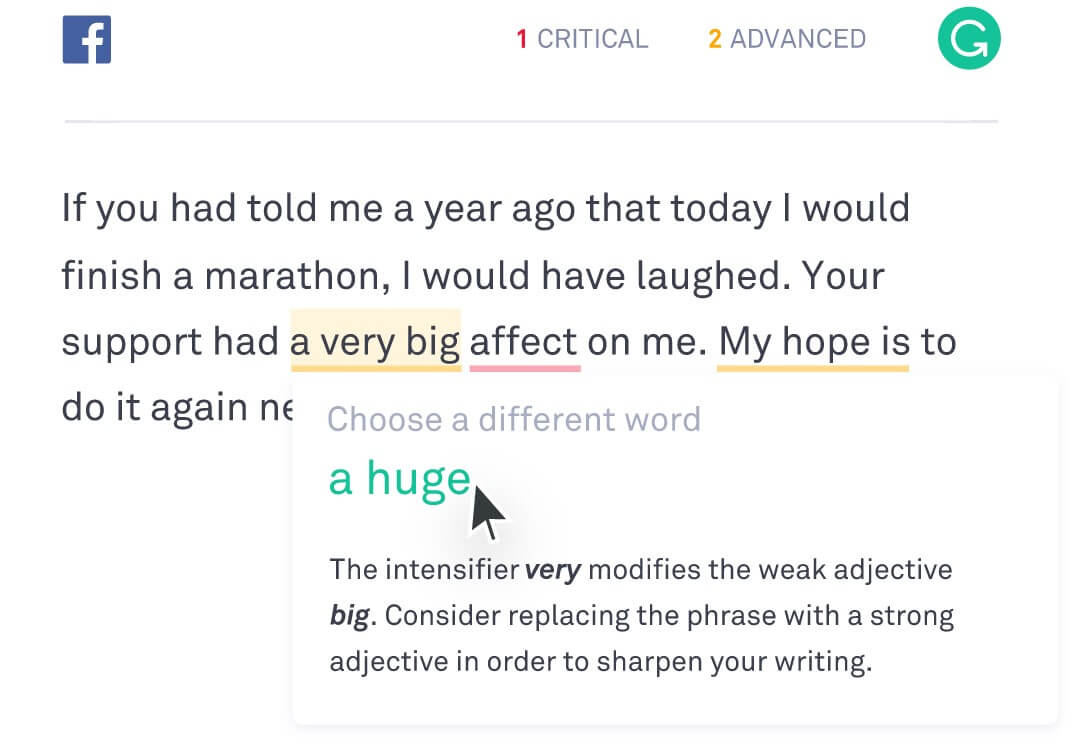
Advantages
- Convenience: You can choose between an Editor, browser extension and offline tool for Microsoft Word
- With a free version, you can check your text for grammar, syntax, punctuation and spelling mistakes
- Compatible with different browsers (Chrome, Safari, Firefox, Edge)
- Best spell checker for WordPress
Disadvantages
- Limited free option and costly premium account
Hemingway Editor
Advantages
- Convenient for self-editing purposes
- A good complement for any other checker tool
Disadvantages
- It doesn’t provide a comprehensive check
Ginger
Advantages
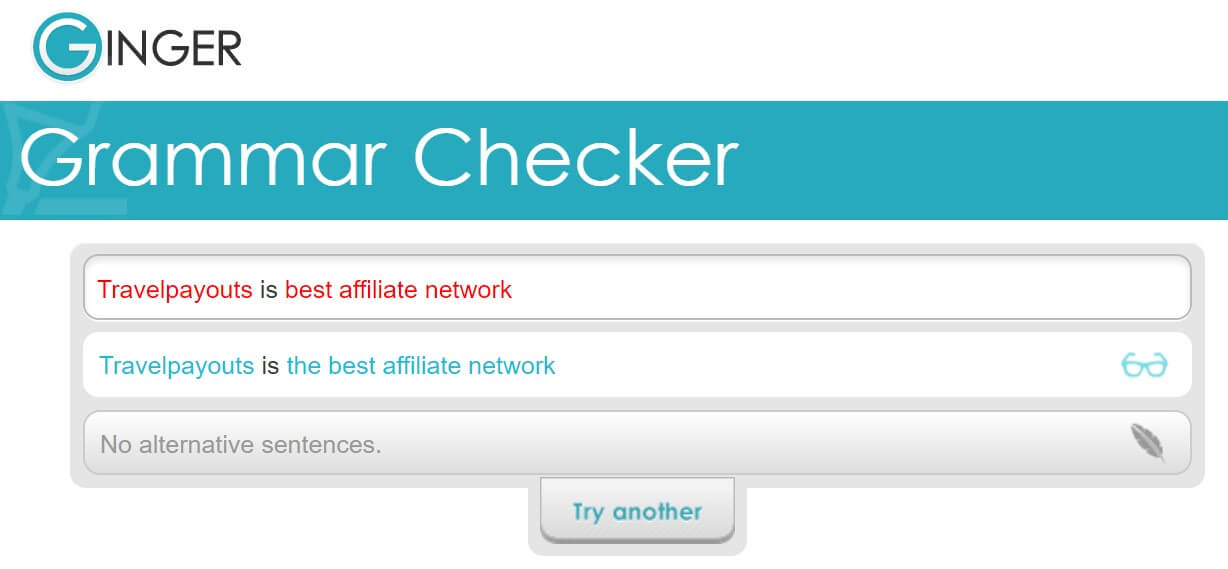
- A free and self-sufficient checker
- Multilanguage support
- Available in many formats (web, desktop, mobile, browser extension)
- Personal dictionary for fiction writers
Disadvantages
- Accuracy depends on the formatting of your document
After the Deadline
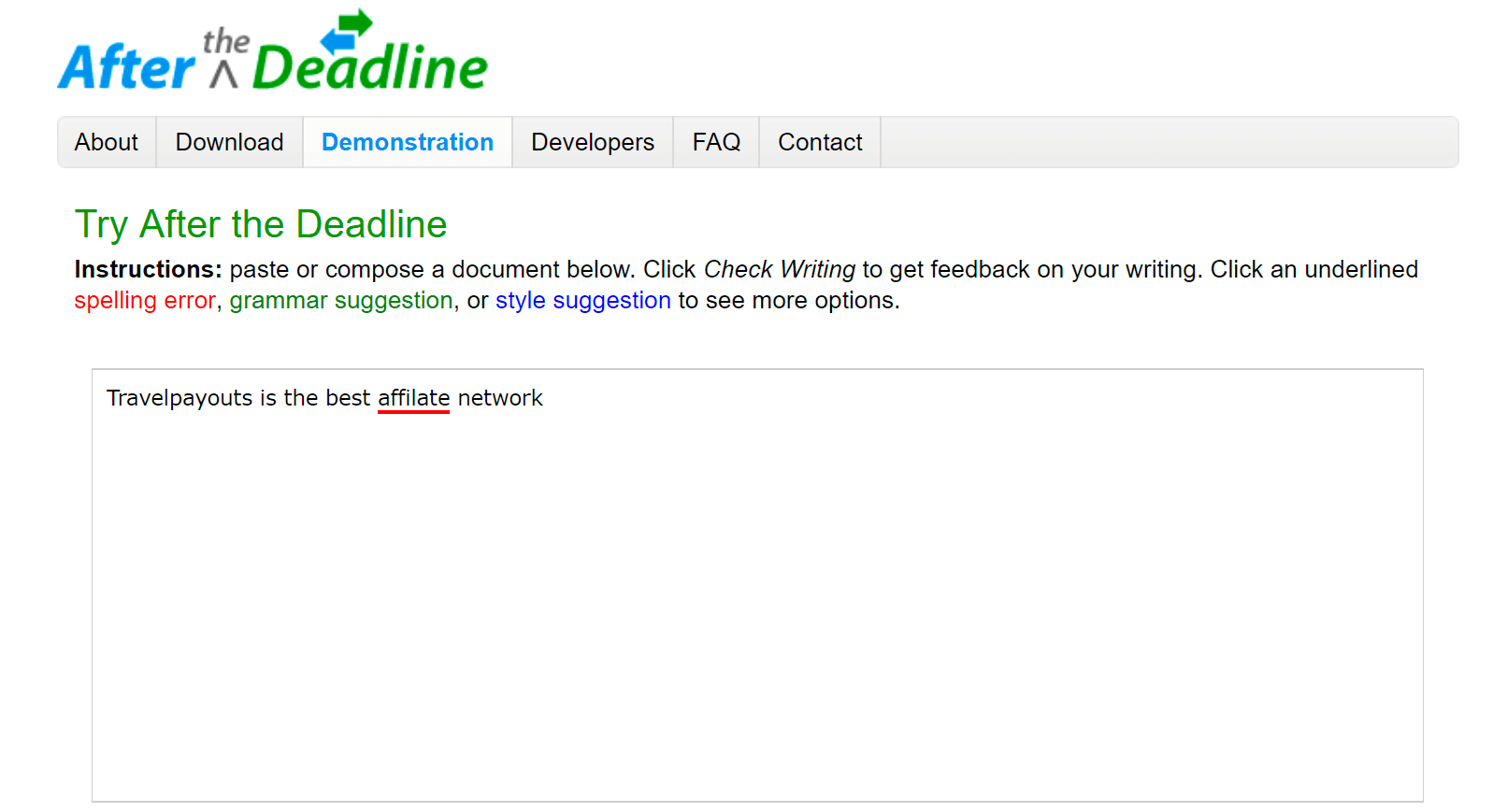
Advantages
- Free tool
- Easy-to-use interface
- Checks for grammar, style and spellings
- Compatible with browsers and platforms like WordPress
Disadvantages
- Doesn’t have any advanced features
Onlinecorrection
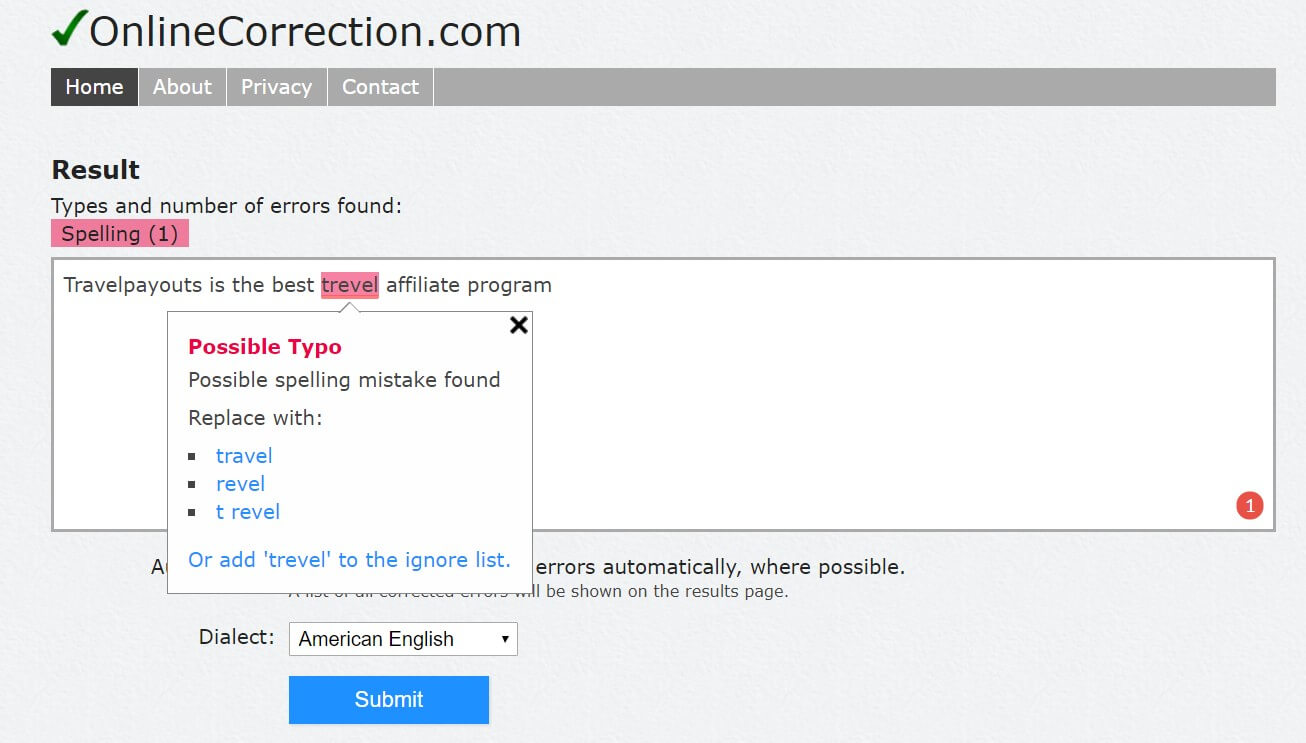
Advantages
- Free tool
- Checks for grammar, spelling, typographical mistakes, spacing and duplication
- Supports dialects of English and three other European languages
- Suggestions emerge automatically, no need to click on the highlighted word
- Stylistic hints
Disadvantages
- Basic tool
- Only web version is available
- Not compatible with any other platforms
Paperrater
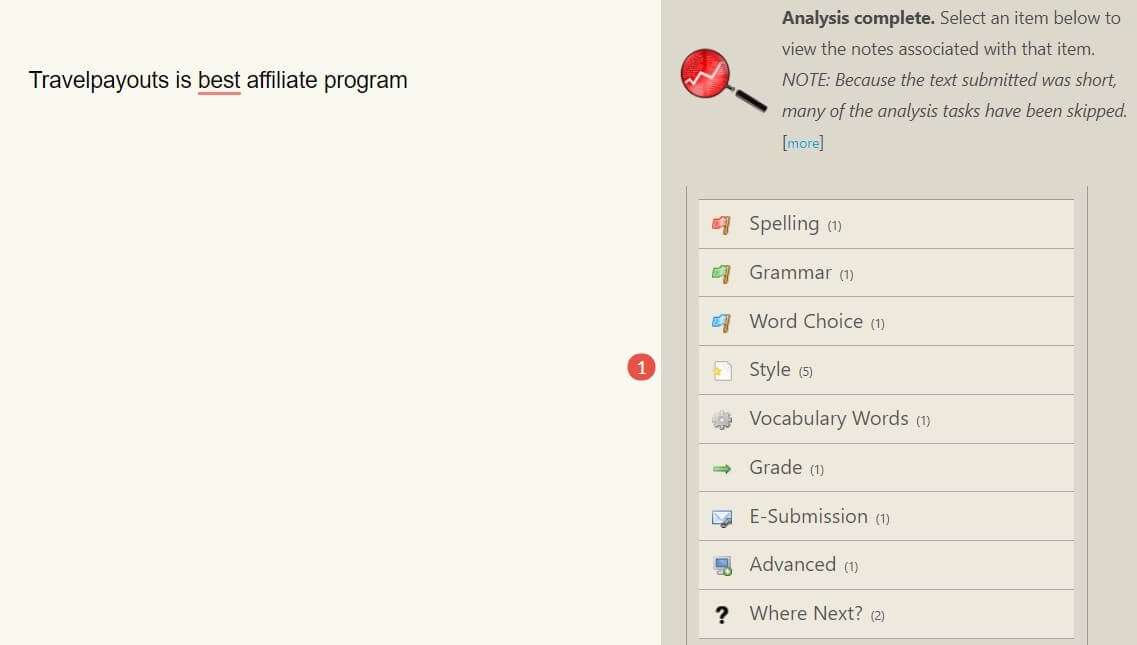
Advantages
- Free subscription with 50 submissions per month
- Perfect for academic writing and blogging due to writing suggestions
- Plagiarism detection
Disadvantages
- Advanced features available only with a premium subscription
- Only English is supported
- Only web version is available
Correctenglish
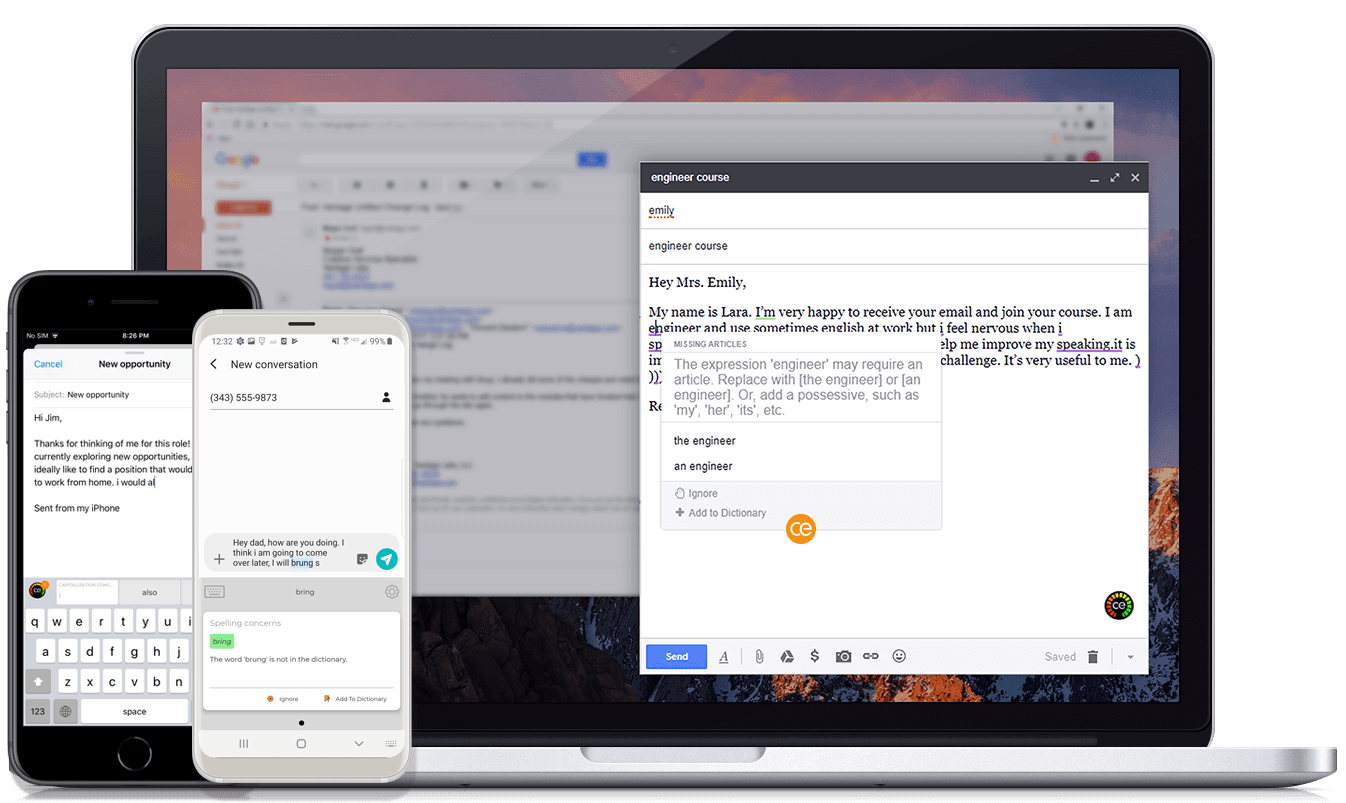
Advantages
- A free subscription is available but limited
- Nine languages are supported
- All the suggestions are explained
- Available in various formats, including a browser extension
Disadvantages
- Free account checks only 125 words per submission
Best Commercial Grammar Checkers
After reading such a comprehensive list of free grammar checkers, you might wonder if paying for checking your text is necessary at all. Commercial tools are beneficial for more advanced error detection: Plagiarism, personal dictionary customization, getting suggestions and writing tips, learning from mistakes and more. Furthermore, free tools are normally available only for personal use, so if you’ll be using the program for your business, it’s better to purchase a subscription.Grammarly Premium
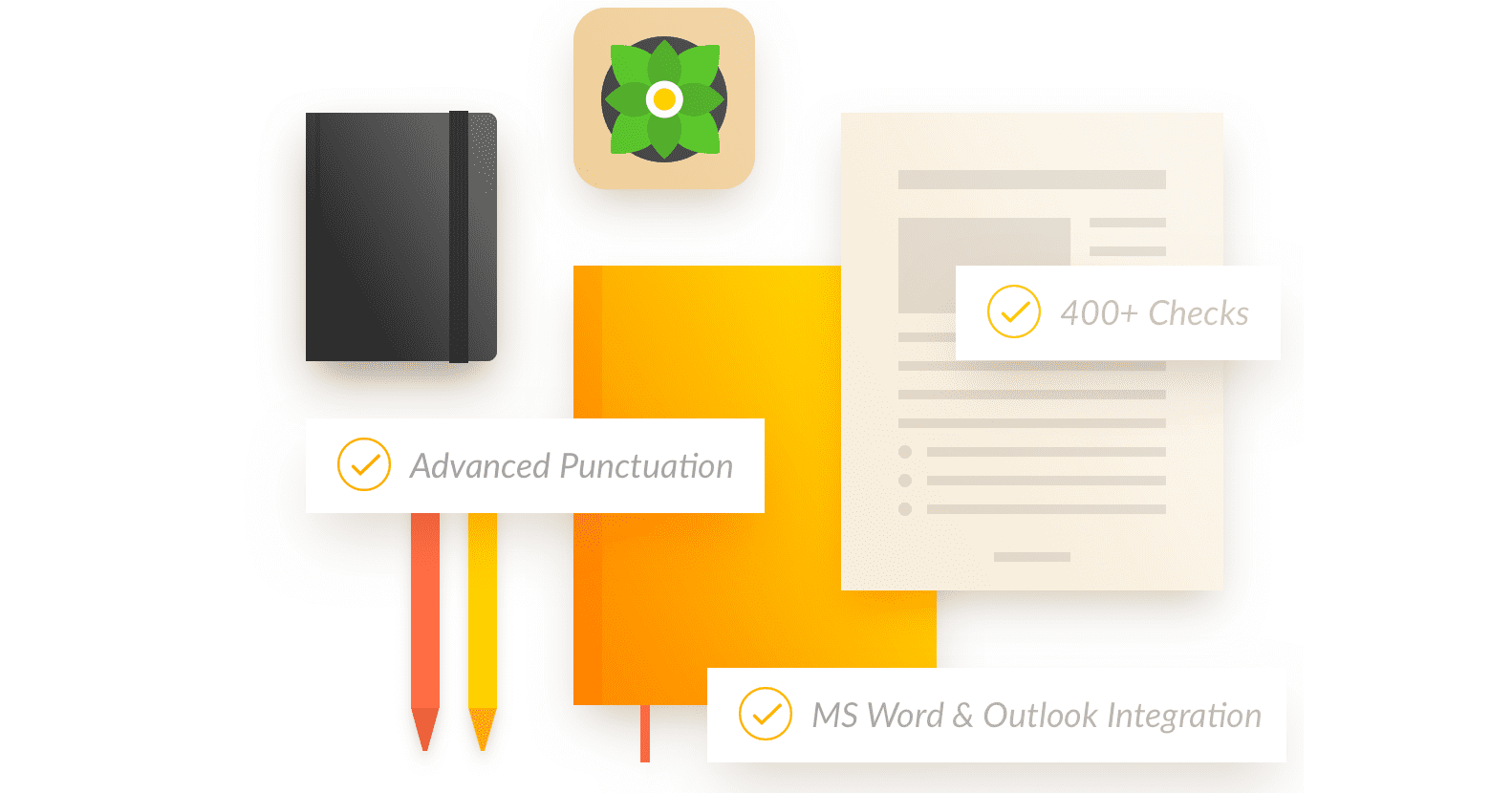
- Monthly – $29.95/ month
- Quarterly – $19.98/ month (billed as one payment of $59.95 USD)
- Annual – $11.66/ month (billed as one payment of $139.95 USD)
Advantages
- Available in different formats
- Plagiarism check
- Personal dictionary and customization
- Proofreading option
Disadvantages
- Costly premium account
Ginger Premium
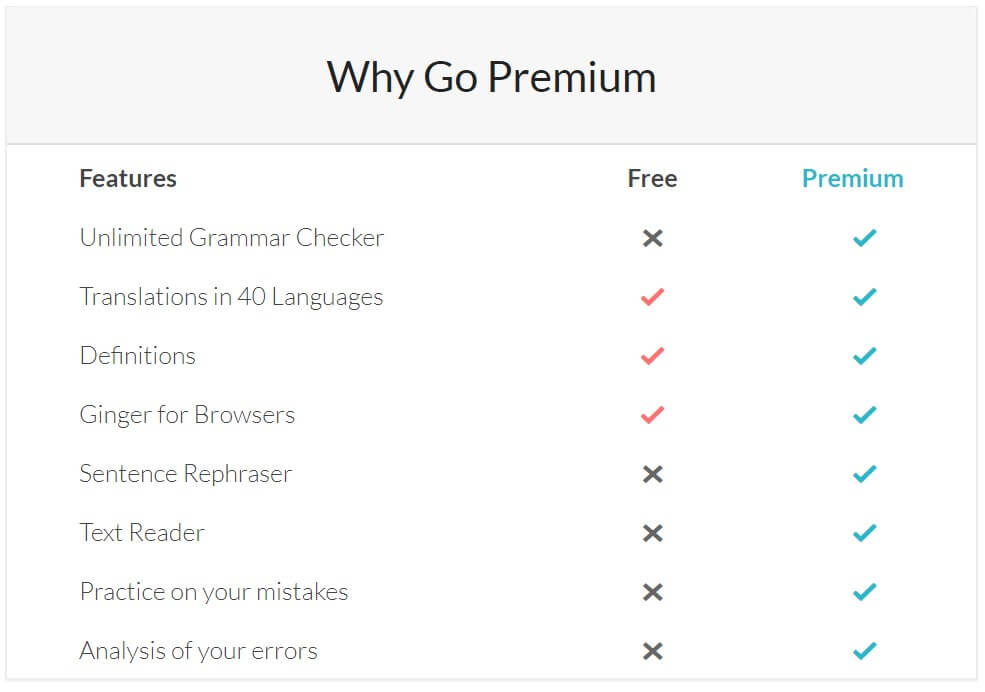
- Monthly – $29.96 ($20.97 /month with a discount)
- Quarterly – $19.98 ($13.99 /month with a discount, billed as one payment of $41.97)
- Annually – $12.48 ($7.49 /month with a discount, billed as one payment of $89.88)
- Two years – $9.99 ($6.66 /month with a discount, billed as one payment of $159.84)
Advantages
- Compatible with many devices and programs
- Multilanguage support
- Seven-day 100% refund for first-time purchasers
- Virtual tutoring for better writing
Disadvantages
- Quite costly
Whitesmoke
The program might be beneficial for checking grammar, style and spelling mistakes, as you can see in the picture: WhiteSmoke is compatible with both Windows and Mac. You can download it as an extension to your favorite browser (Opera, Chrome, Firefox, Safari) or use an app on your Android or iOS smartphone. To tell the truth, WhiteSmoke is one of the cheapest software tools available on the market. However, you can only buy it for a year or three years, which might not be convenient if you simply want to test the program. With the one-year plan, you can choose between three options:- Essential for $8.33 /month (only web version; grammar, plagiarism checkers and translations)
- Premium for $13.33 /month (fully integrated solution compatible with Windows/Mac, MS Office, Gmail, Android for mobile; in addition to the Essential features, it offers a one-click instant proofreading option)
- Business for $22.99 /month (fully integrated solution compatible with Windows/Mac, MS Office, Gmail, Android and iOS for mobile; in addition to the Premium features, you’ll enjoy a 3-Computer License, customer support via phone and an extended download warranty)
Advantages
- Compatible with many devices and programs with Premium and Business versions
- Eight languages are supported
- Business templates for writing
- Rather inexpensive
Disadvantages
- No monthly subscriptions (only one or three years)
- Relatively slow software
Prowritingaid
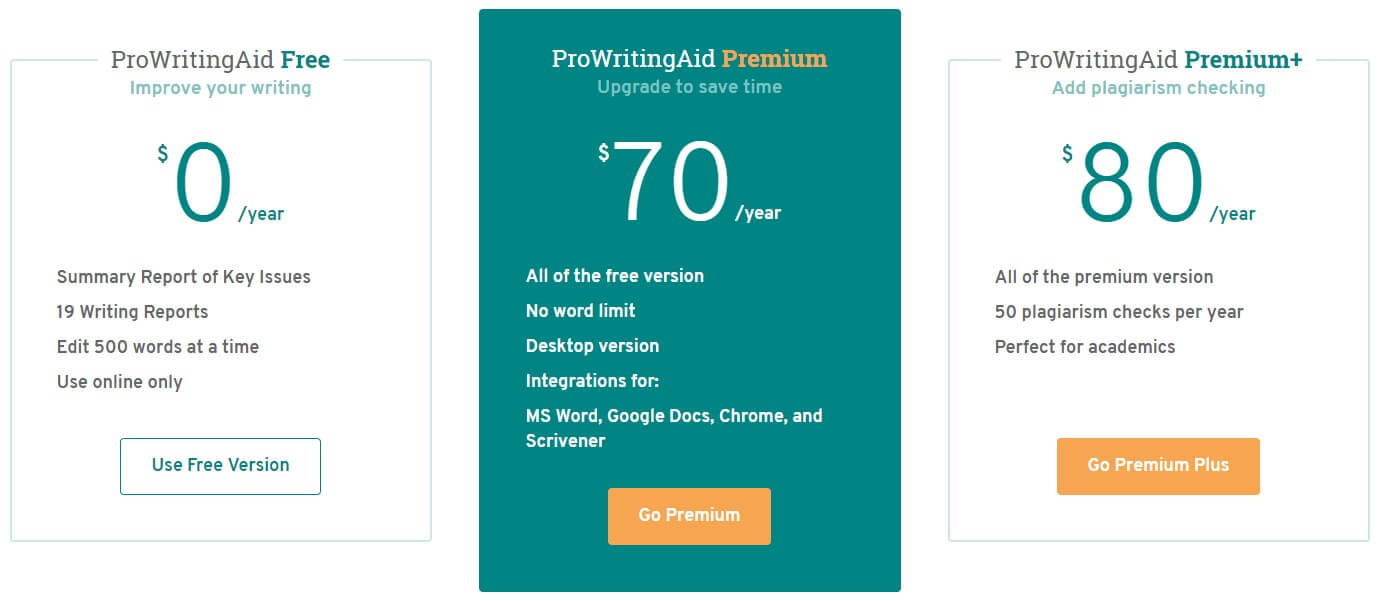
Advantages
- Affordable
- Offers valuable suggestions for your writing
- Perfect for blog post writers
Disadvantages
- No monthly subscriptions (only one to three years or lifetime)
- Relatively slow software
- Only desktop version is available
Paperchecker Premium
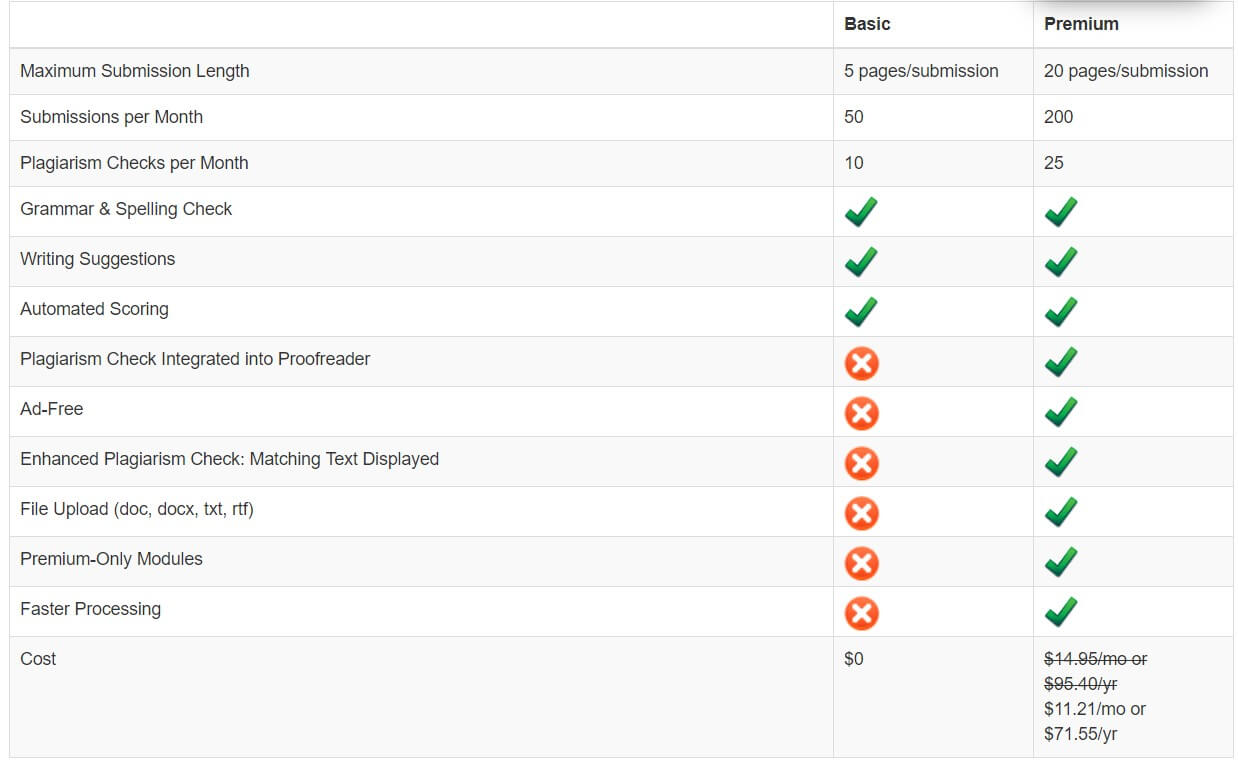
Advantages
- Affordable
- Ideal for academic writing and blogging
- Many advanced features to improve the readability of your text
- Plagiarism check
Disadvantages
- Supports only English
- Only web version is available
Correctenglish Premium
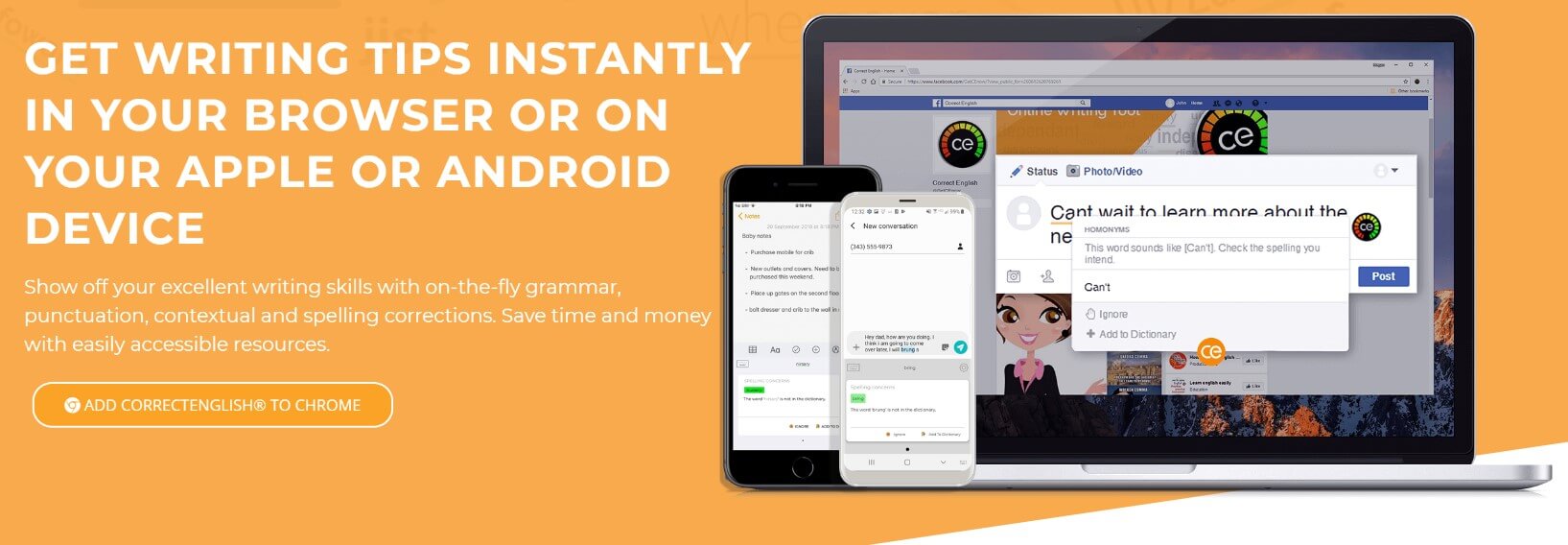
- Professional for $24 per month
- Pro Saver for $99 per year (billed as one payment of $99)
Advantages
- Two subscriptions available: monthly and yearly
- Nine languages are supported
- Available in various formats, including a browser extension
- Writing suggestions
- Formatting your text to APA and AML styles
- Ideal for academic writing
Disadvantages
- Quite expensive
Best Grammar and Punctuation Software
Using a grammar checker is crucial for writing an error-free text if you want to attract an audience and keep its attention for a long time. Automatic solutions are preferred when you need to deliver the highest quality because the system won’t let any error stay in the text. You might miss a thing or two while looking through an article yourself, and the overall impression from the text will be worse than it would have been. There are many programs available online today, but some of them are better at detecting a particular kind of error. Thus, the best grammar checker for WordPress is Grammarly.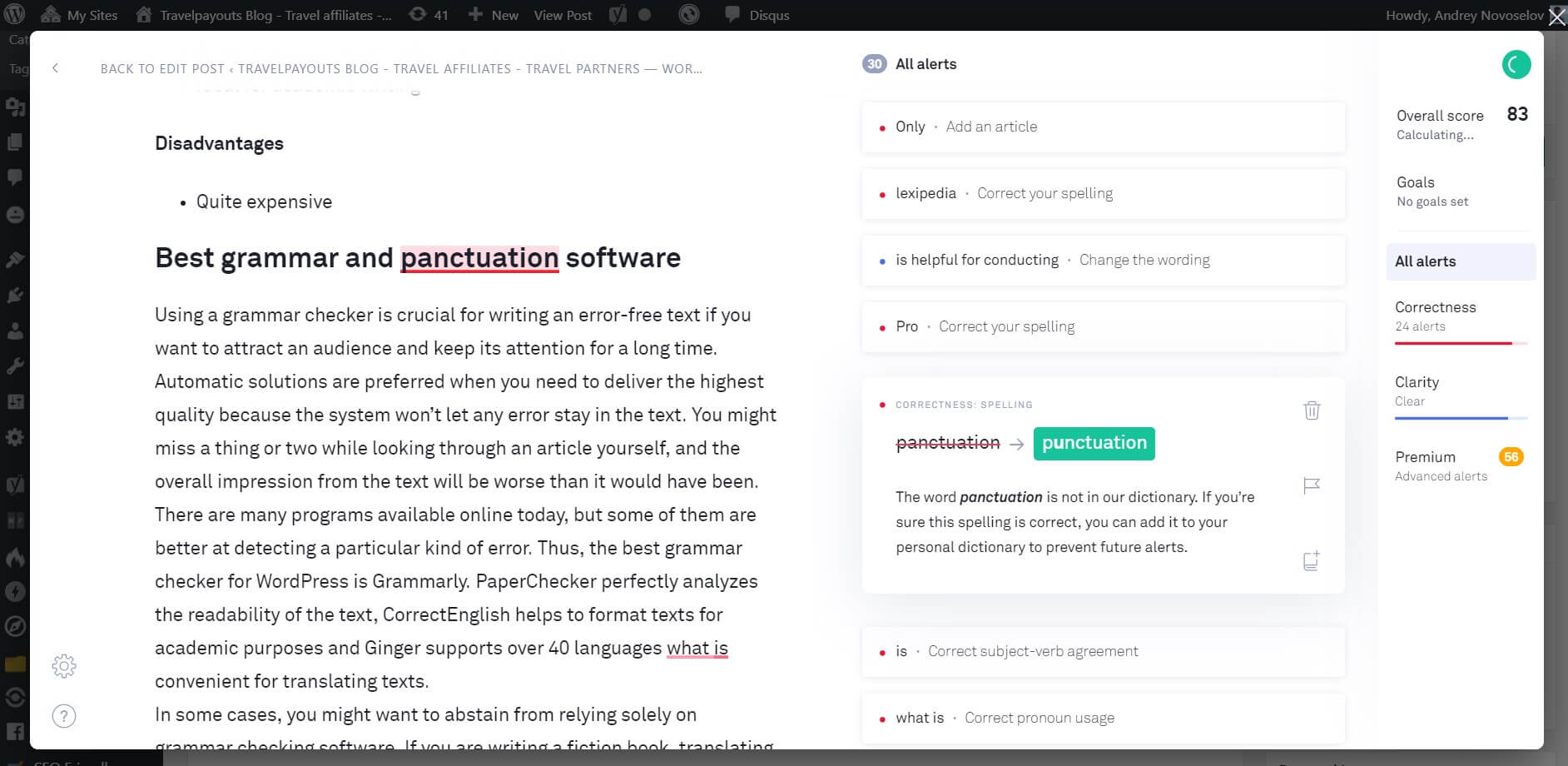

You may also be interested in